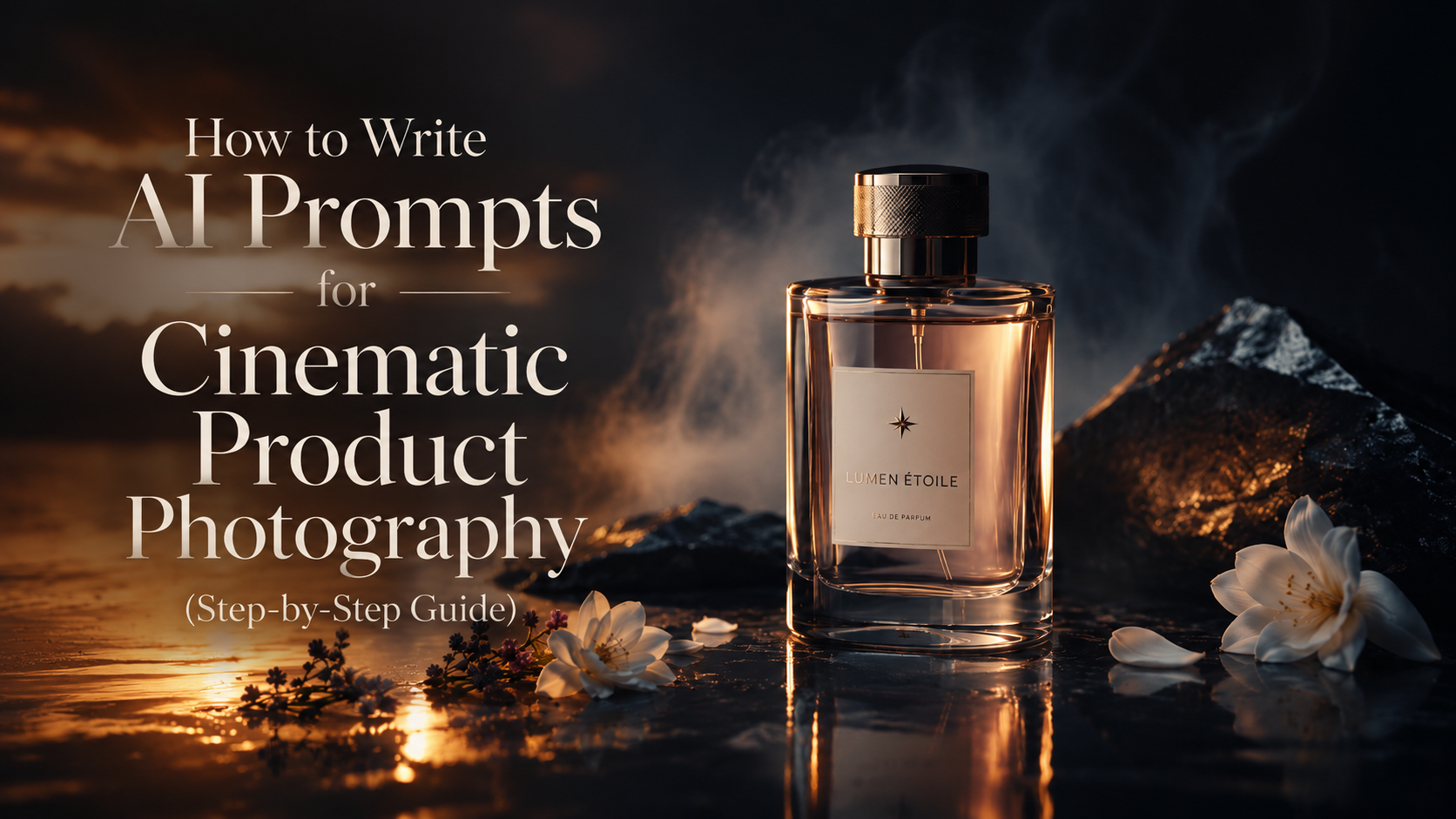
If you've ever scrolled past a perfume ad or a skincare campaign and wondered "wait, is that even real?" — there's a good chance it wasn't shot in a studio at all. It was written.
AI-generated product photography has quietly become one of the most powerful tools for designers, SMMs, freelancers, and brands who need premium, ad-level visuals without a studio budget. But the difference between a flat, generic AI image and a scroll-stopping cinematic ad almost always comes down to one thing: how the prompt is written.
This guide breaks down exactly how to structure a prompt that produces consistent, high-end results — the same structure we use for every prompt in our packs at Rafz Visuals.
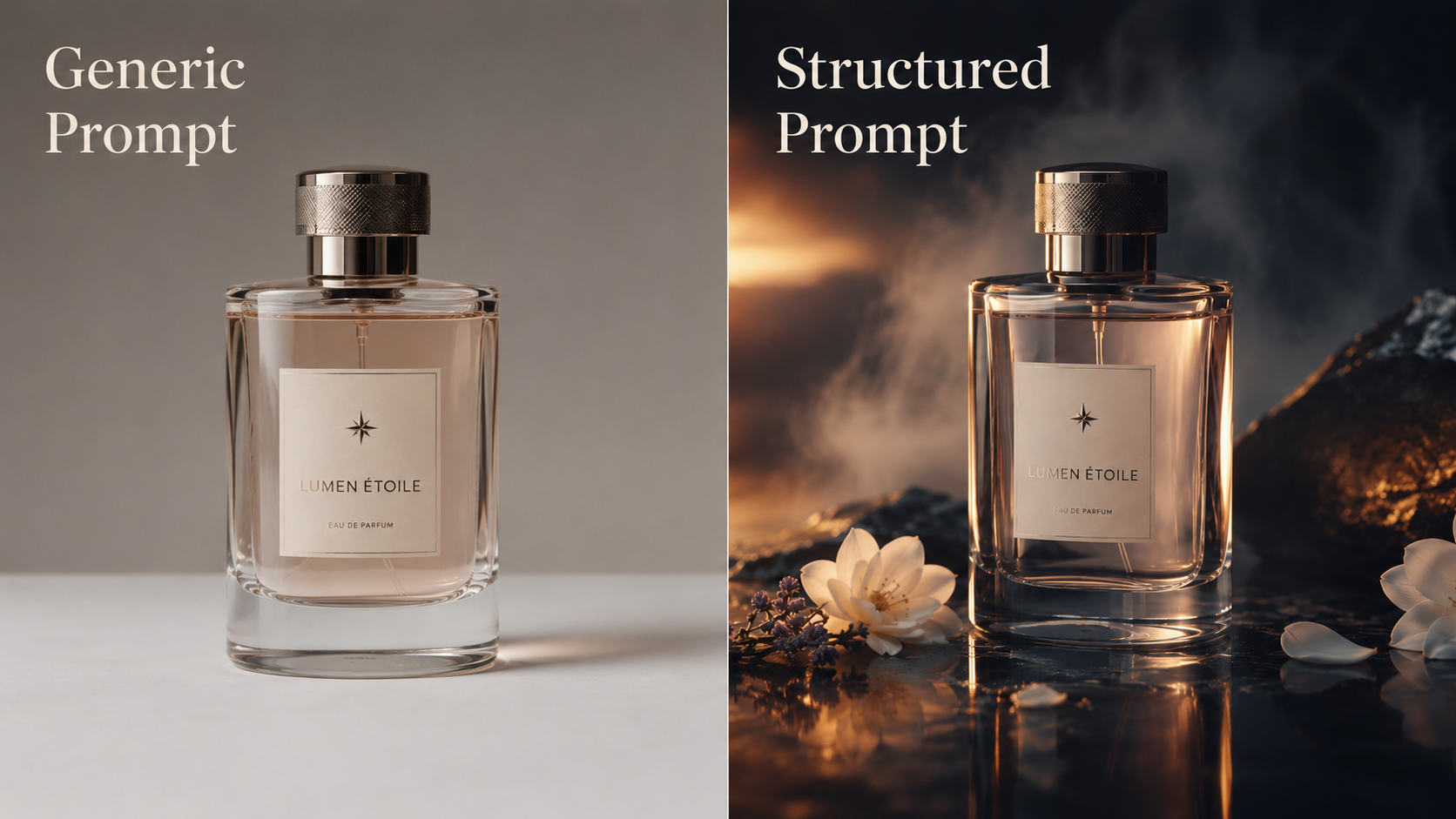
Why Prompt Structure Matters More Than the Tool
People often assume the AI model is what makes an image look "premium." In reality, most modern image models can produce stunning results — the bottleneck is almost always the input. A vague prompt gives a vague result. A structured, deliberate prompt gives you a result that looks like it came out of a $50,000 ad shoot.
The good news: once you understand the structure, you can apply it to any product, in any AI tool.
The 6-Part Anatomy of a Winning Prompt
Every cinematic product prompt we write follows the same skeleton. Think of it like a recipe — skip an ingredient, and the result falls flat.
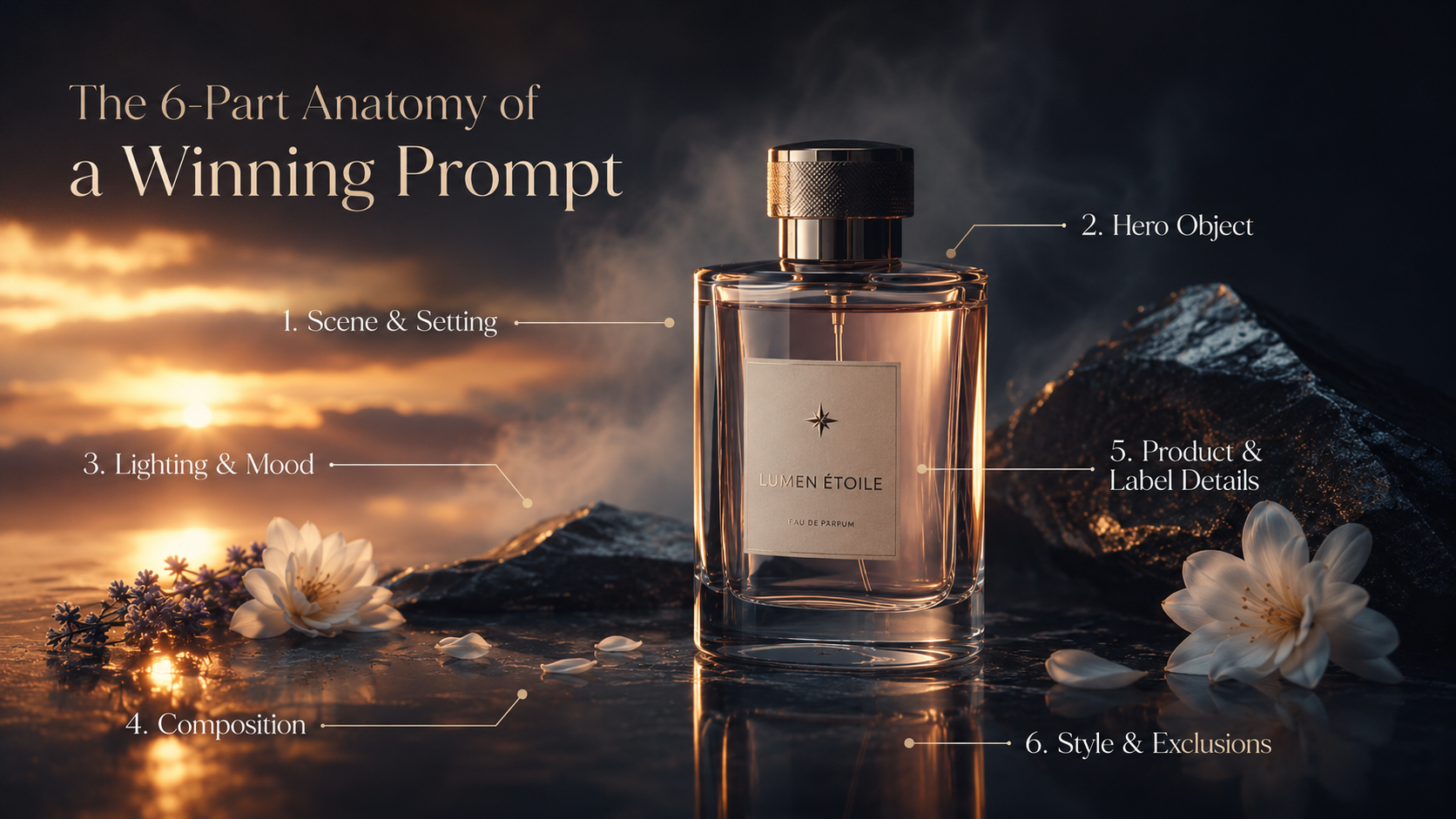
1. Scene & Setting
Describe the world the product lives in before you even mention the product. Is it a tropical jungle, a pastel studio room, an underwater coral reef? This sets the entire mood.
"A lush tropical island cliff surrounded by green jungle mountains, misty valleys, and multiple waterfalls..."
2. Hero Object Placement
Be explicit that the product is the main subject, centered and in sharp focus. AI models will happily blur or shrink your product if you don't anchor it.
"...a large premium bottle standing as the hero object, centered, in sharp focus..."
3. Lighting & Mood
This is what separates "AI slop" from "ad campaign." Name a specific lighting style — golden hour, studio softbox, moody night lighting — instead of just saying "nice lighting."
"Golden sunset light, soft clouds, warm cinematic lighting with realistic reflections on the glass..."
4. Composition & Camera Language
Borrow real photography vocabulary: depth of field, shallow focus, low angle, symmetry. This is often the single highest-leverage addition you can make.
"Shallow depth of field, soft foreground and background blur, balanced framing, low-angle hero shot..."
5. Product & Label Details
Use placeholders like [BRAND NAME] and [PRODUCT NAME] if you're building a reusable template, or your real brand details if it's a one-off. Always specify material — glass, matte plastic, glossy ceramic — because AI models render materials very differently.
"Realistic packaging design, glossy bottle, elegant minimalist label text reading '[BRAND NAME]' and '[PRODUCT NAME]'..."
6. Style Keywords & Exclusions
End with style anchors (photorealistic, ultra-detailed, high-end advertising photography) and explicit exclusions. This last part is the most overlooked — without it, you'll often get random extra text, distorted logos, or watermark-like artifacts.
"Ultra-detailed, hyper-realistic, premium advertising photography style. No extra text, no slogans, no additional logos, no watermark."
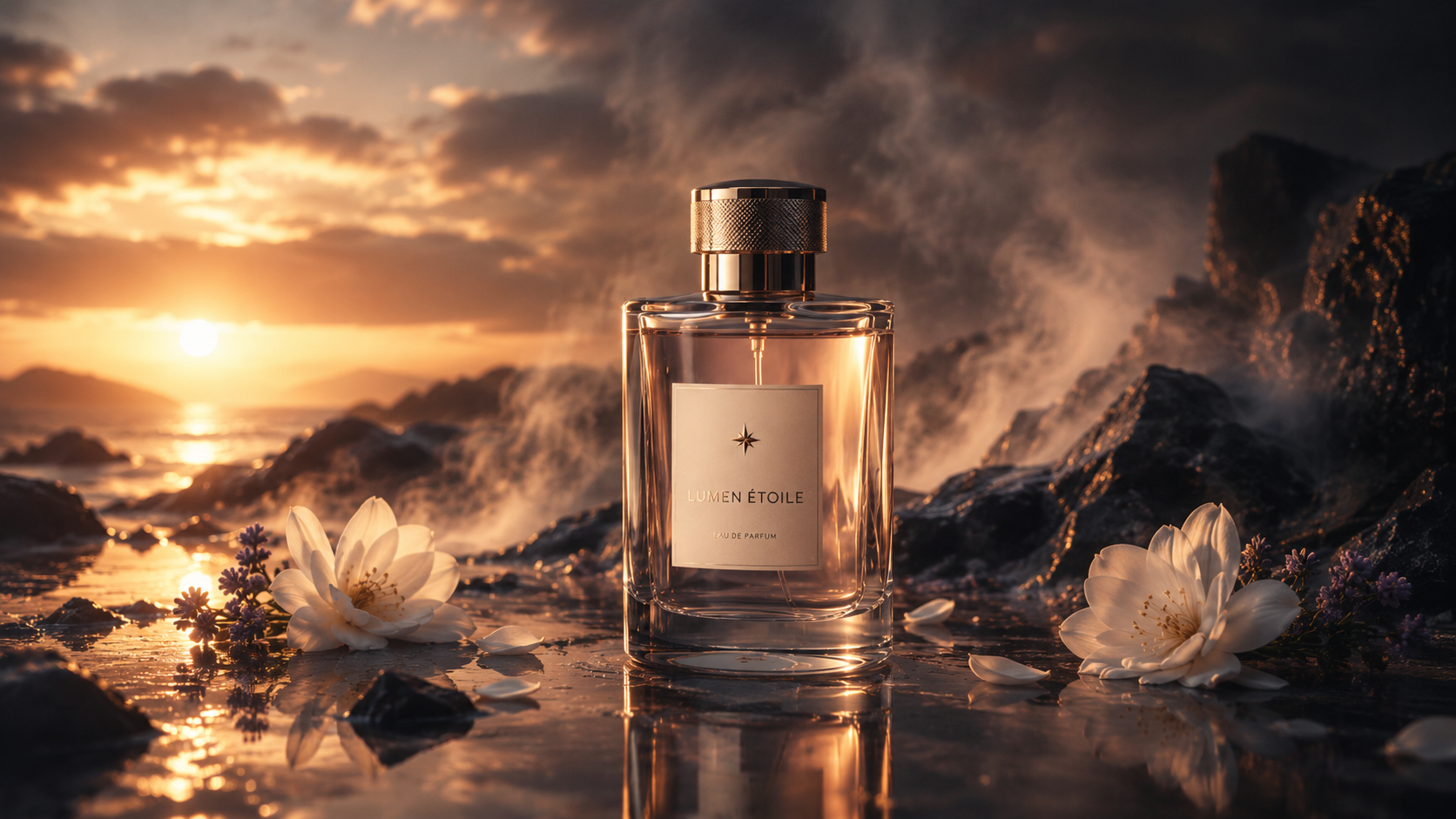
Putting It Together: A Real Example
Here's a full prompt built with this exact structure, used for one of our best-performing prompt packs:
Ultra-realistic cinematic perfume advertising scene. A luxury perfume bottle using the exact bottle shape and design provided by the user as reference, glass material must match the original bottle precisely. The perfume bottle is floating in mid-air, centered as the hero object, surrounded by soft, elegant flowers with shallow depth of field, foreground and background flowers slightly blurred for depth and atmosphere. Warm cinematic lighting with soft highlights and realistic reflections on the glass, golden liquid visible inside the bottle, premium advertising look. Background is a bright blue sky with soft clouds, natural sunlight creating a clean, elegant, high-end mood. Only text on the bottle label: "[BRAND NAME]." No extra text, no slogans, no descriptions, no additional logos. Professional product advertising photography style, cinematic composition, ultra-detailed, hyper-realistic, clean luxury aesthetic, soft shadows, balanced framing.
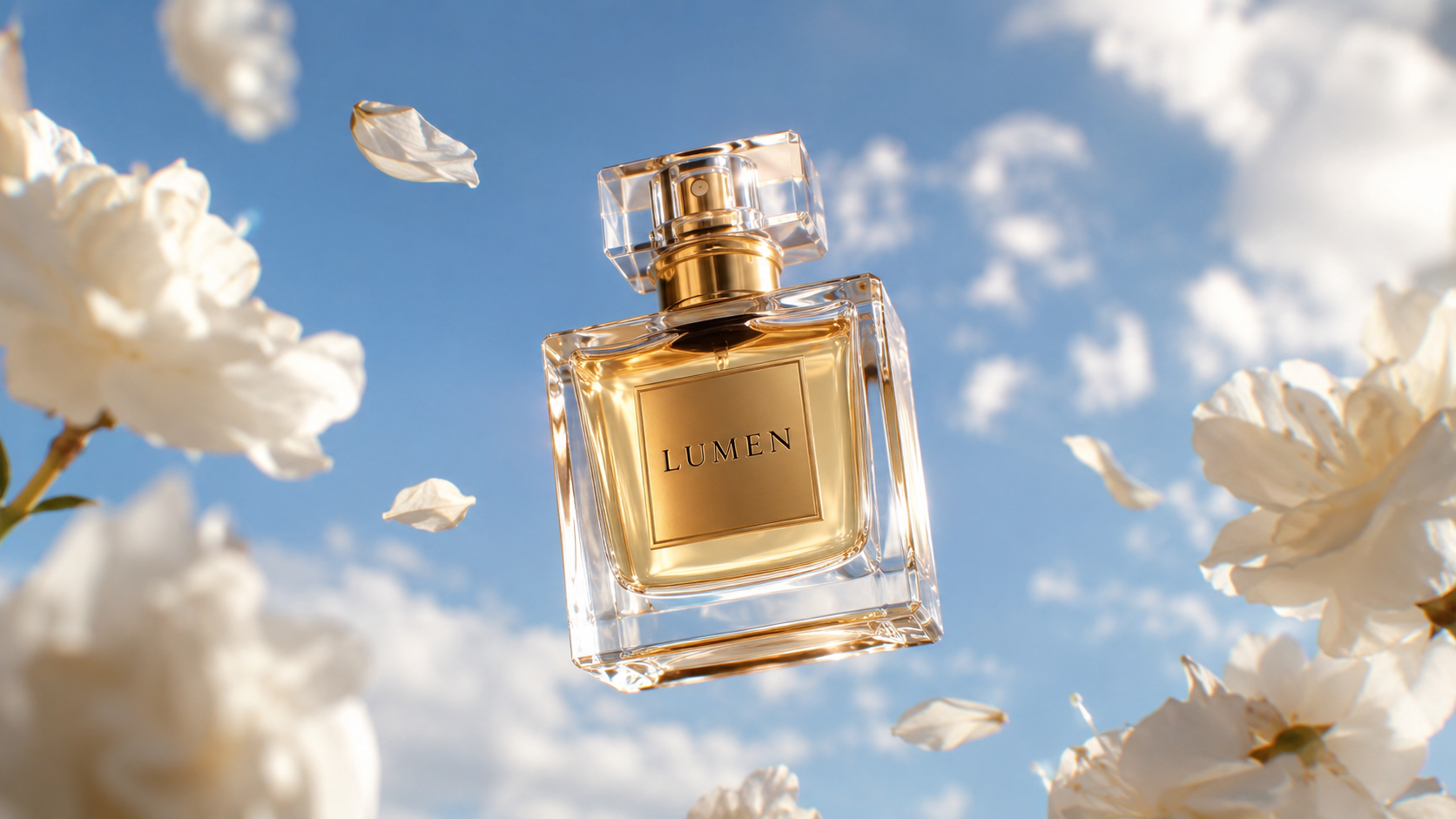
Notice how every one of the 6 elements shows up, in order. That's not a coincidence — it's the template.
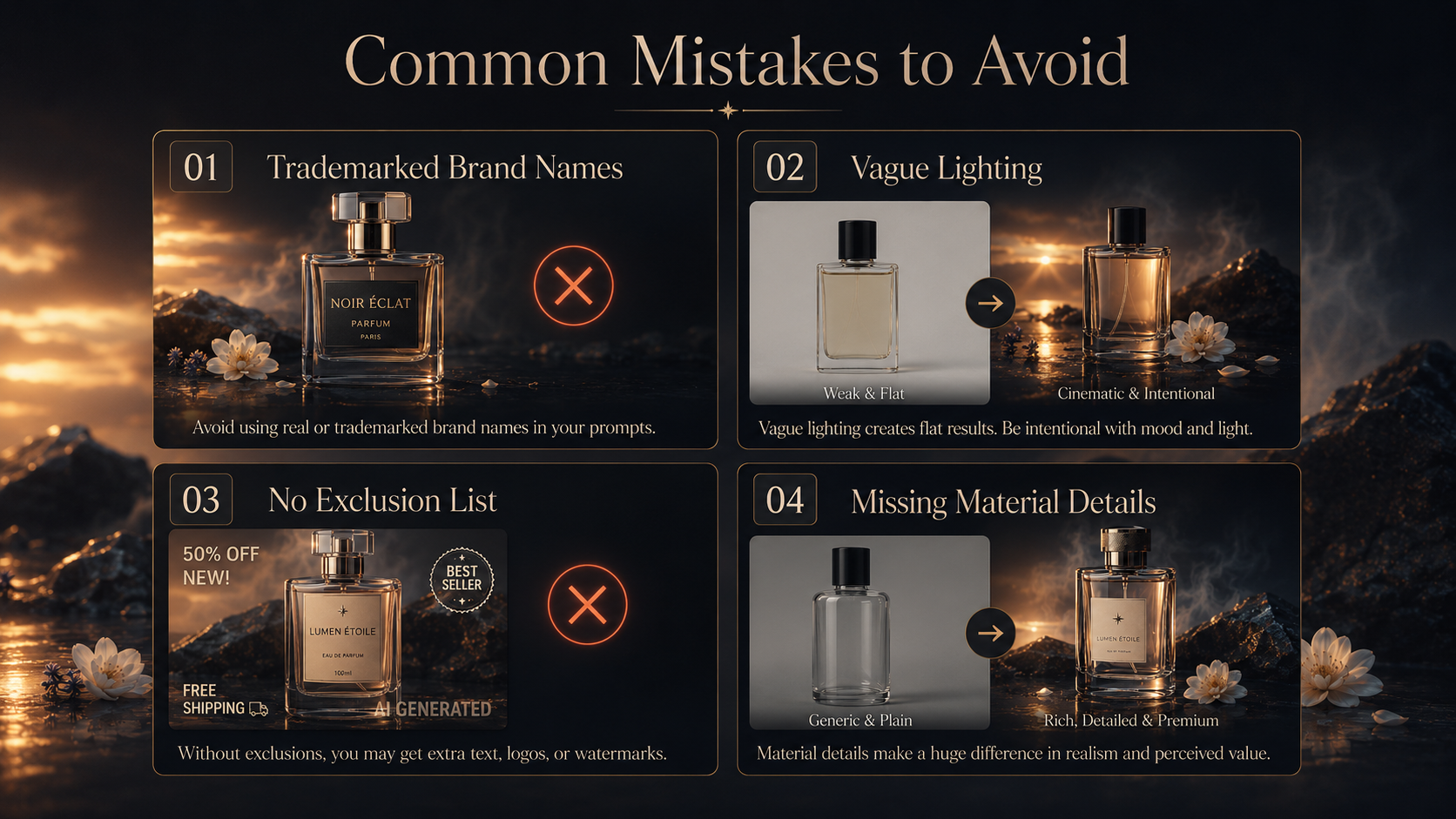
Common Mistakes to Avoid
Using real, trademarked brand names in a generated mockup — this creates legal risk and looks unprofessional if shared publicly. Always use a placeholder or fictional brand.
Being vague about lighting ("nice lighting," "good quality") — name an actual lighting style instead.
Skipping the exclusion list — this is the easiest way to avoid stray text, broken logos, or watermark artifacts.
Forgetting material descriptions — "a bottle" vs. "a glossy glass bottle with a brushed metal cap" will give wildly different results.
Where to Go From Here
Once you understand this structure, you can rebuild it for literally any product category — skincare, tech, food and beverage, fashion. The skeleton stays the same; only the details change.
If you'd rather skip the trial-and-error and start from prompts that are already tested and proven to perform, our free and premium AI prompt packs are built using this exact framework — ready to use for your own product visuals.
👉 Explore the prompt packs at rafzvisuals.com
Comments (0)
No comments yet — be the first.